
 Multi-account support
Trading tools for
Apple Numbers
Track anything, privately.
Track anything,
Smol Compute builds on top of Numbers's native integration of Yahoo Finance and CoinMarketCap data, ensuring robust and accurate price feeds are used to track your portfolio. You can track anything: all stocks, ETFs, coins, and tokens. Even your favourite exotic micro-cap.


privately.
Designed to keep your data fully private. Local-first means your data stays on your computer. If you choose to sync your portfolio via iCloud to access it across devices, you can retain full privacy with end-to-end encryption for iWork documents.
Portfolio Trackers
Import your trades.
The Smol Formatter helps you batch-import your trading history from exchanges into Smol Compute's Portfolio Trackers.
Learn more about the Smol Formatter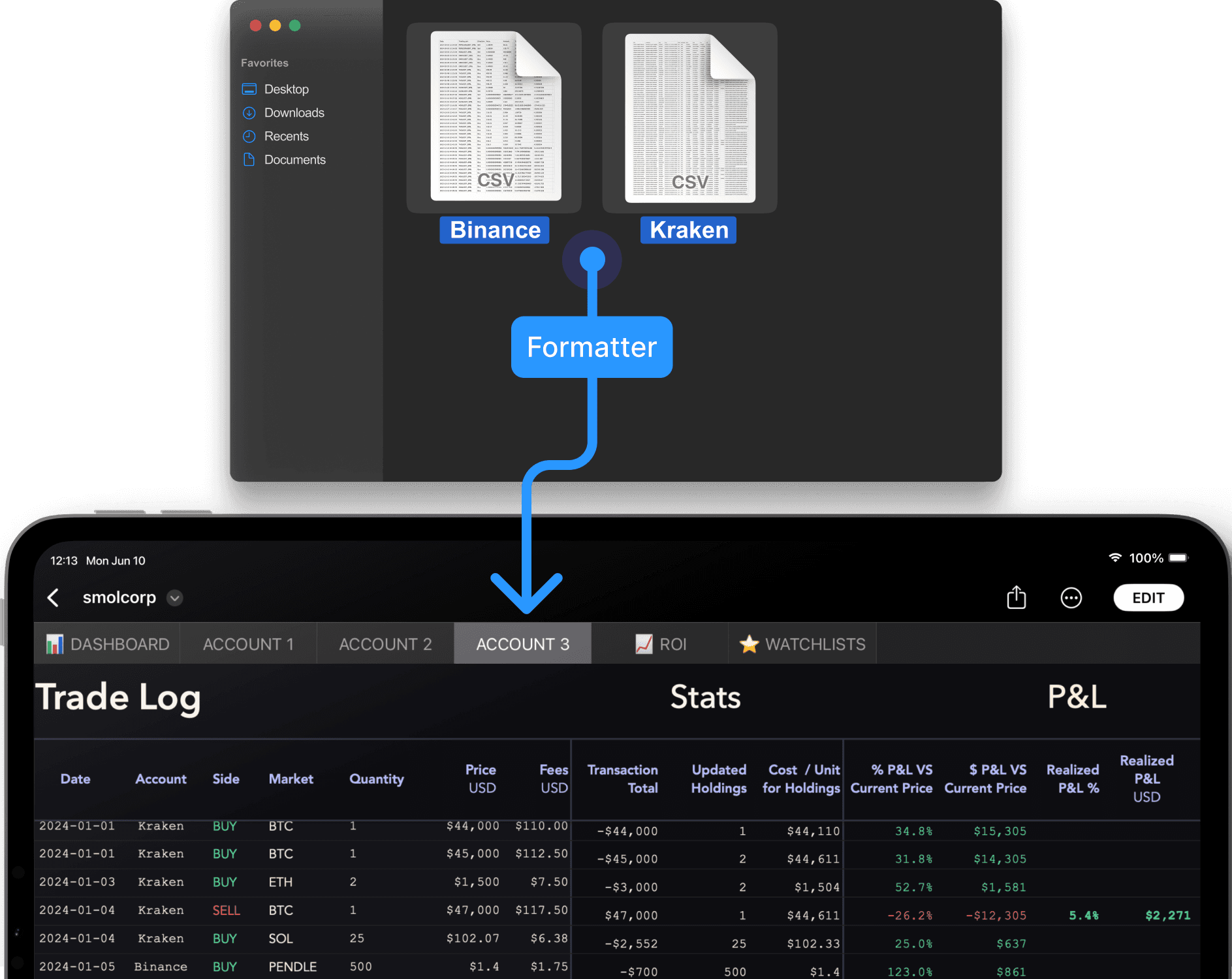
Smol Love
What users are saying.
Smol Compute’s template is hands down the best portfolio tracker on Mac. Really happy with it.
Sang-woo
Tried out @smolcompute for a private portfolio tracker, and I've been so happy with it!
Michael B.
The Formatter is the first tool I’ve found that works with my workflow. Super convenient!
Mark L.
Best Numbers template I’ve used. It’s smooth, easy to use, and I love the design. Super clean. Highly recommend.
Sarah J.
Pay once, use forever.
No subscription.
Have any questions?
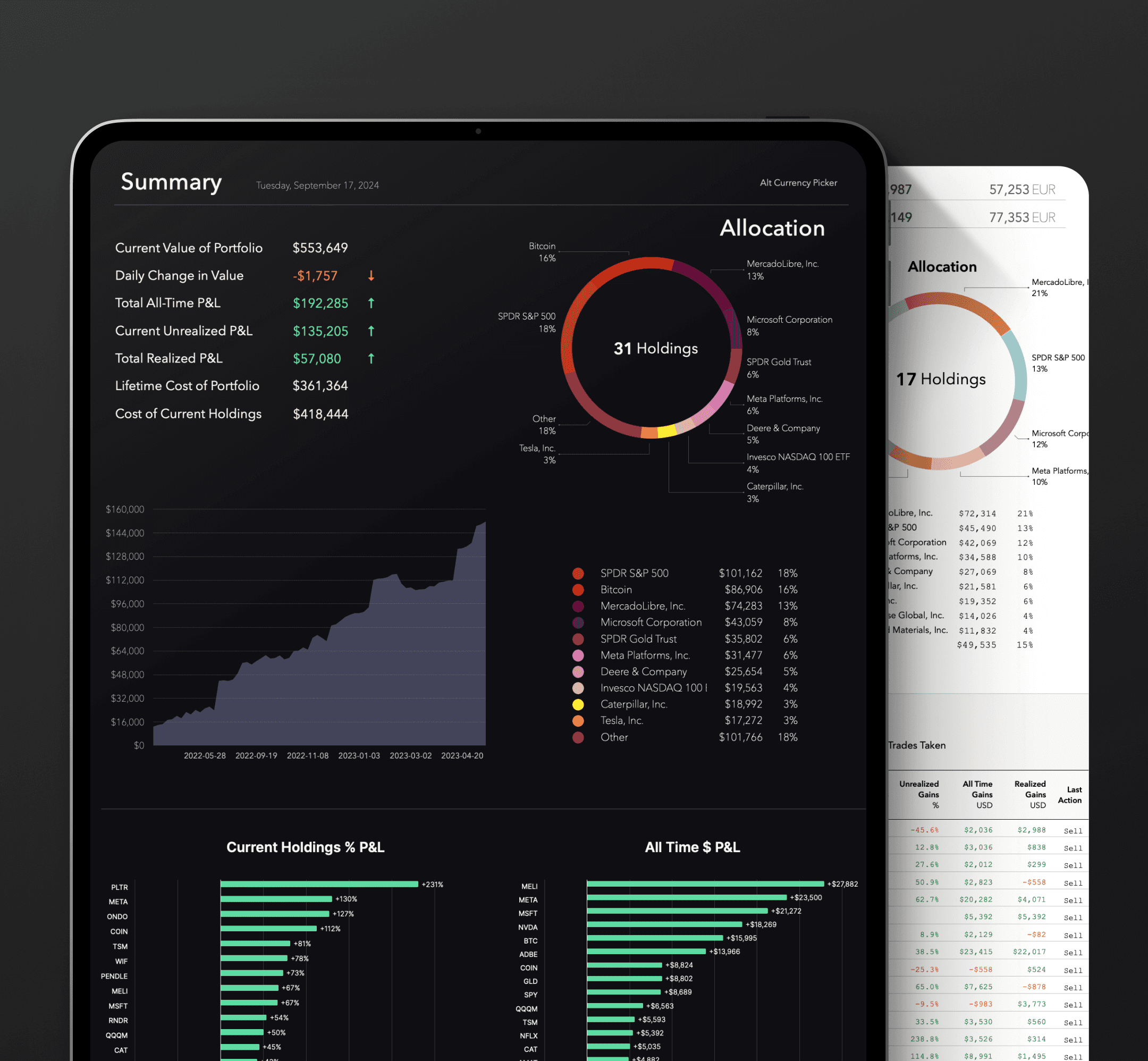
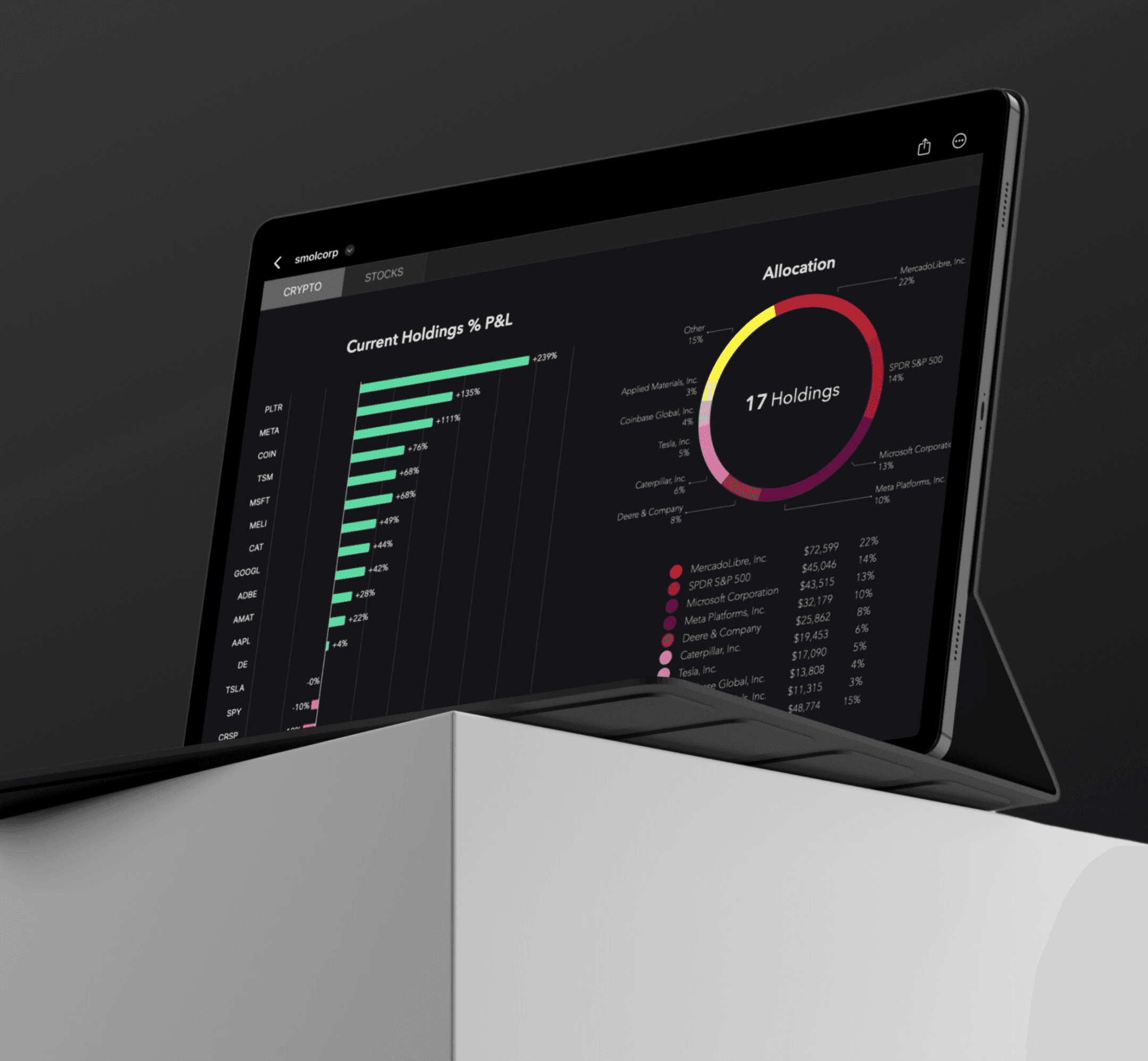
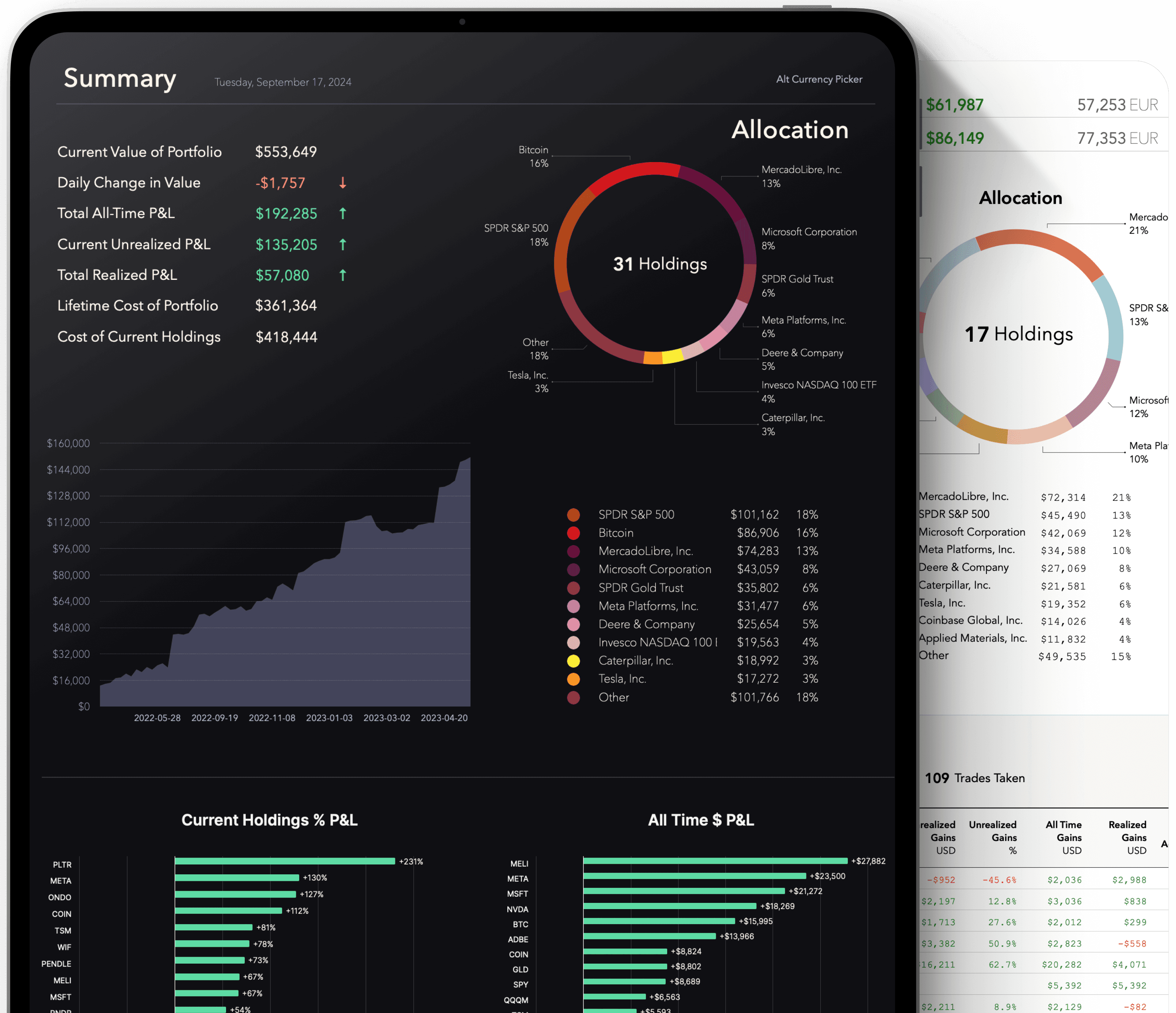
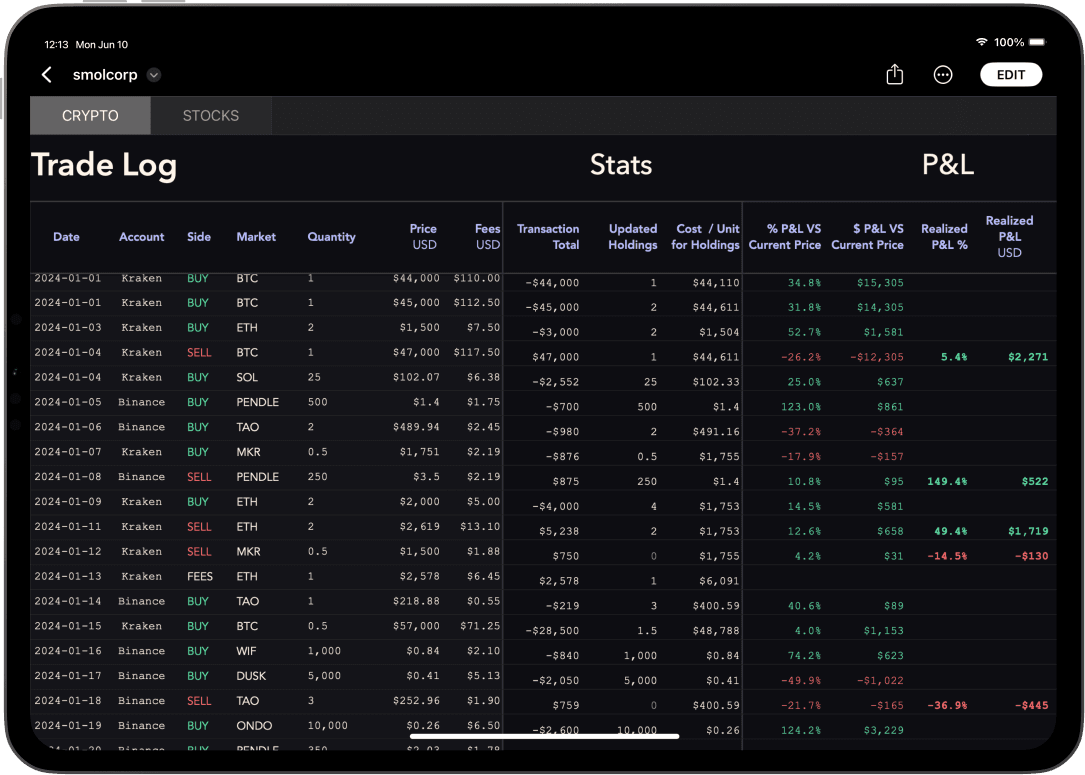
Message usGiven the open, file-based nature of our products, time-based trials are not possible. Instead, we created a super-affordable version of our Tracker that allows you to track single-account portfolios. The Lite version allows you to try the core functionality of our Tracker: the same Trade Log, Holdings Summary table, Allocation pie chart, and Current Holdings P&L bar chart. This may be all you need.
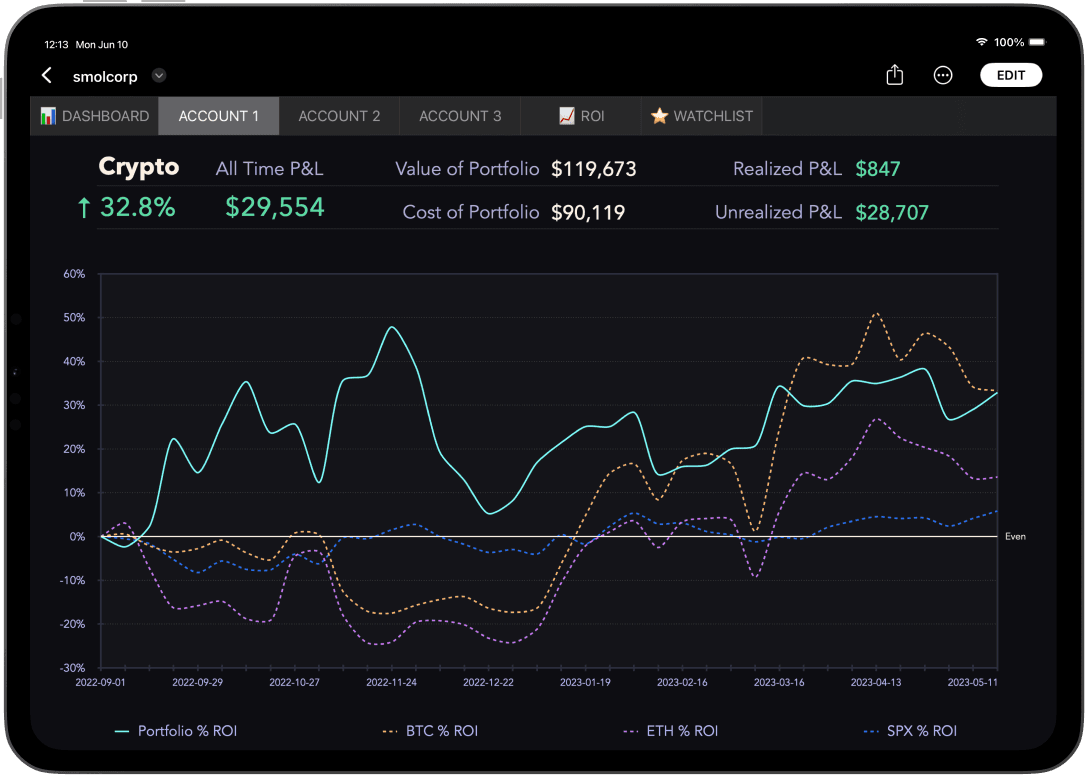
For those who want more, the Full version gives you support for multiple accounts, a portfolio-wide Dashboard, a portfolio-wide Breakdown table, account ROI charts, a dedicated ROI tab, a Watchlist tab, and more.
Yes, the Smol Formatter works with both versions. Both versions have the same Trade Log, so you can paste your reformatted trading data (exported from your exchange) into either Tracker.
The Smol Formatter is an easy-to-use tool that allows you to batch-import numerous trades into your Smol Portfolio Tracker. It reformats the trading histories you export from your exchange into a format you can paste directly into the Trade Log. Currently, the Formatter supports Binance and Kraken exports, and we will be adding more exchanges soon.
Numbers is Apple's spreadsheet editor. It's an alternative to Excel and Google Sheets. It is entirely free to use, runs natively on all Macs, iPads, and iPhones, and can also be used in any browser (much like Google Sheets).
Apple's recent deployment of end-to-end encryption for iCloud Documents means that Numbers users can now sync their trading data across devices and edit it seamlessly on multiple screens while retaining complete privacy.
We're currently focused on creating the best trading tools available for Apple Numbers and do not have plans to port Smol Compute to other spreadsheet editors at this time. Numbers is available as a web app for Windows and Linux users.